Key takeaways
- A ceiling fan remote has two parts: a handset in your hand and a receiver unit in the fan. If the fan stops responding, the handset, the receiver or the power could be the cause.
- Pairing, or “coding”, differs by maker. Follow the manual that came with your fan.
- To replace a lost remote, buy the maker’s matching system. Fantasia’s M3 remote system is a direct replacement for its M2 and fits pull-cord fans such as the Mayfair, Capri, Classic and Belaire.
- Never use a wall dimmer switch to control a ceiling fan’s speed. Fantasia says it must not be done.
- Changing a receiver means opening the fan up at the ceiling, which is electrical work. We recommend a registered electrician unless you are competent with wiring.
A ceiling fan remote is the easiest thing about a ceiling fan to get wrong and the easiest to fix. This page covers how it works, what to check when it stops, and how to pair or replace one. It is part of our guide to cooling fans and follows on from ceiling fans. We have not tested any remote; the maker details come from Fantasia Ceiling Fans’ own pages, read on 14 November 2026, which is why the examples are Fantasia’s. Other makers’ systems work differently, so read your manual first.
How does a ceiling fan remote work?
Fantasia’s FAQ says “The remote control consists of a handset and receiver unit.” The handset sends a signal to the receiver in the fan, which switches the motor and light, so the receiver needs power from the fan’s supply to respond. That is why a remote can stop working while the fan is fine: the fault may be in the handset, or the receiver may not be getting power, or they may have lost their link.
A good remote does more than switch on. Fantasia’s Stellar 40” remote operates “6 speeds in forward and 6 in reverse”, the light with colour choice, and a “1hr, 4hr, 8hr timer function”. A timer is a small way to save money: the Stellar 40” has a 30 W motor, so at 26.32p per kWh an hour costs 0.8p. An eight-hour night at top speed costs 6.3p; a four-hour timer cuts that to 3.2p, and a one-hour timer to 0.8p. The figure is at the maker’s stated power and excludes the 22 W light. These figures use the Great Britain price cap. In Northern Ireland, use the unit rate on your own bill.
Remote not working? Check these first
These checks are general good practice, not taken from a maker’s manual. If your fan came with a manual, follow its troubleshooting section first.
- Batteries. Replace them with new ones of the type the handset uses, and check they are the right way round.
- Wall switch and power. Make sure the wall switch that feeds the fan is on. The receiver can only hear the handset if it has power. If other lights on the same circuit are off, the cause is the supply and not the remote.
- Distance and line of sight. Try from closer to the fan, pointing at it.
- Re-pairing. Check your manual for a pairing or reset procedure. If your fan has been disconnected or the power has been off, it may need pairing again.
- Light bulbs. Fantasia says its M3 system is designed for Fantasia LED bulbs and it “cannot guarantee it will work correctly with any other brand of LED bulb”. If the fan misbehaves after you changed a bulb, try the original type.
- Another remote nearby. If you have several fans or other remote-controlled devices in the same place, see the next section.
If none of these works and the fan is hard-wired, the receiver or the handset may be faulty.
How do you pair or code a remote?
The steps vary by maker, and Fantasia’s M3 page does not give them: it says “Full instructions on how to do this will be included with the fan.” What Fantasia does say is that where there are several fans in one place, each fan in turn needs to be powered up and coded using the steps in the instructions. Do one fan at a time, so the others do not pick up the signal. Follow your fan’s own manual, and keep it with the fan’s papers.
How do you replace a lost remote?
Buy the maker’s matching system. Fantasia’s M3 remote system is listed at £86.00 (it was £102.00), carries a 2-year warranty and is “a direct replacement for the M2 remote system”. Fantasia lists it for use with the Mayfair, Capri, Gemini, Classic, Belaire, Sigma, Orion and eMotion fans, and says it can also be used on fan models without a light kit. It controls three fan speeds and on, off and dim for the light. It was out of stock on 14 November 2026, with a “back in stock” notice option, so check availability at Fantasia .
For a remote bought with your fan, such as a Stellar 40” remote, contact the maker. If you are not sure what you have, note the fan’s model name and any code on the handset or the fan’s label first.
Can you use a universal remote?
We found no maker page that recommends a universal remote for a fan, and Fantasia sells matching systems rather than universal ones. Some universal remotes are sold; whether one will work depends on the receiver in your fan, which we cannot tell from here. If you try one, follow its own instructions and the safety notes below.
Can you add a remote to a pull-cord fan?
Often yes. Fantasia’s FAQ says “All our pull-cord operated fans can be upgraded to either wall control or remote control.” The Belaire Combi 42” is an example: Fantasia lists it as pull cord with a remote upgrade at £86. Other pull-cord Fantasia fans we list are:
| Fan | Control | Motor | Per hour | Price, checked 14 November 2026 |
|---|---|---|---|---|
| Belaire Combi 42” | Pull cord (remote upgrade £86) | 60 W | 1.6p | £165.00, in stock |
| Classic 52” | Pull cord | 64 W | 1.7p | £160.00, in stock |
| Mayfair Combi 42” | Pull cord | 50 W | 1.3p | £273.60, out of stock |
| Capri 36” | Pull cord | 45 W | 1.2p | £163.20, out of stock |
Motor ratings are from Fantasia’s range table and exclude any light. Prices are from Fantasia . A wall mounted variable dimmer switch must not be used to adjust fan speeds, says Fantasia. Do not wire a dimmer in to slow a fan.
When does the receiver need replacing, and who should do it?
If the handset is fine, the batteries are fresh and the fan has power but does not respond, the receiver in the fan may have failed. Changing it means opening up the fan’s housing at the ceiling, which is electrical work. In England, GOV.UK’s Approved Document P (2013 edition, for use in England) says electrical work that is not a new circuit, a consumer unit replacement or work in a bath or shower area is not notifiable, including “replacements, repairs and maintenance anywhere”, but it still has to meet Part P. Wales has its own rules, and Scotland and Northern Ireland have different systems, so the England rule does not apply to them.
Fantasia says a ceiling fan “can be wired into an existing lighting circuit” and is “a simple DIY job”, and adds “If you are in any doubt then consult a qualified electrician.” We recommend a registered electrician unless you are competent with wiring. Switch the circuit off at the consumer unit first, and do not rely on the wall switch. We give no wiring instructions here. For what an installation costs, see ceiling fan installation. Other pages: ceiling fans with light and remote, ceiling fan direction, Fantasia ceiling fans and Westinghouse ceiling fans.
Frequently asked questions
Why has my ceiling fan remote stopped working?
Check the batteries, that the wall switch is on and that the fan has power, then try closer to the fan. If those are fine, the fan may need pairing again, or the receiver in the fan may have failed. Follow your manual’s pairing steps before you suspect a fault.
How do I pair a new remote to my ceiling fan?
The steps depend on the maker, so follow the fan’s own manual. Fantasia says each fan in a room with several needs powering up and coding in turn using the steps in its instructions.
Can I use a universal remote on any ceiling fan?
We found no maker that says so. A fan’s receiver is made to work with the maker’s handset, and Fantasia sells a matching system for its own fans. If you try a universal remote, it may not work with your receiver.
Can I add a remote to a pull-cord ceiling fan?
Often yes. Fantasia says all its pull-cord fans can be upgraded to wall or remote control, for example with its M3 remote system at £86.00. Other makers vary, so ask yours.
Can a dimmer switch control a ceiling fan?
No. Fantasia says a wall mounted variable dimmer switch must not be used to adjust fan speeds. Use the fan’s own pull cord, wall control or remote.
Sources
- Ofgem: changes to the energy price cap, 1 October to 31 December 2026 (checked 14 November 2026)
- Fantasia Ceiling Fans: M3 remote system (£86.00, 2-year warranty, fits, coding note, LED note, M2 replacement, out of stock; checked 14 November 2026)
- Fantasia Ceiling Fans: Titan page with FAQ (remote, receiver, pull cord upgrade, dimmer, wiring; checked 14 November 2026)
- Fantasia Ceiling Fans: Stellar 40” (6 speeds forward and reverse, timer, 30 W motor; checked 14 November 2026)
- GOV.UK: Electrical safety, Approved Document P (checked 14 November 2026)
- Approved Document P, 2013 edition for use in England (PDF), paragraph 2.7 (checked 14 November 2026)
- Prices and motor ratings for the pull-cord fans are as recorded in our product files from Fantasia’s product pages, checked 14 November 2026.
Products on this page
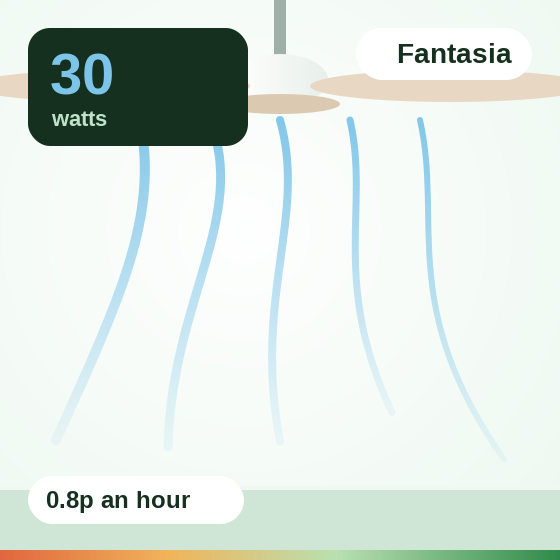
Fantasia
Stellar 40" DC ceiling fan with light and remote
30 watts · 0.8p an hour
£297.00 at Fantasia Ceiling Fans (maker shop), checked 14 Nov 2026
See it at Fantasia Ceiling Fans (maker shop)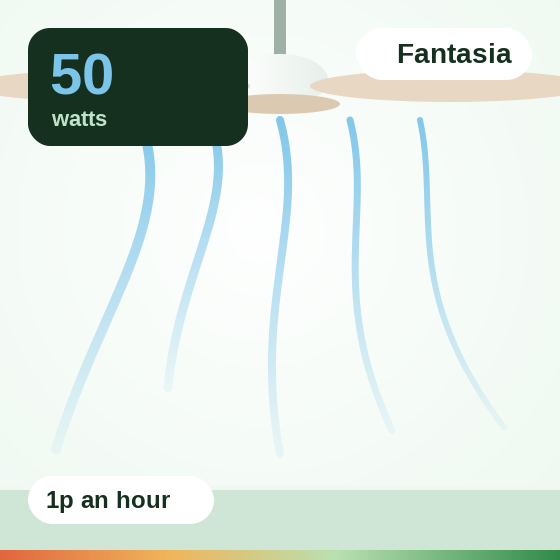
Fantasia
Mayfair Combi 42" ceiling fan with light
50 watts · 1p an hour
£273.60 at Fantasia Ceiling Fans (maker shop), checked 14 Nov 2026
See it at Fantasia Ceiling Fans (maker shop)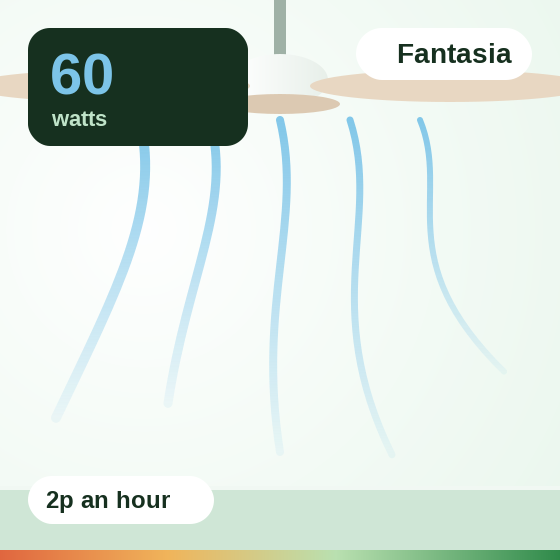
Fantasia
Belaire Combi 42" ceiling fan with light
60 watts · 2p an hour
£165.00 at Fantasia Ceiling Fans (maker shop), checked 14 Nov 2026
See it at Fantasia Ceiling Fans (maker shop)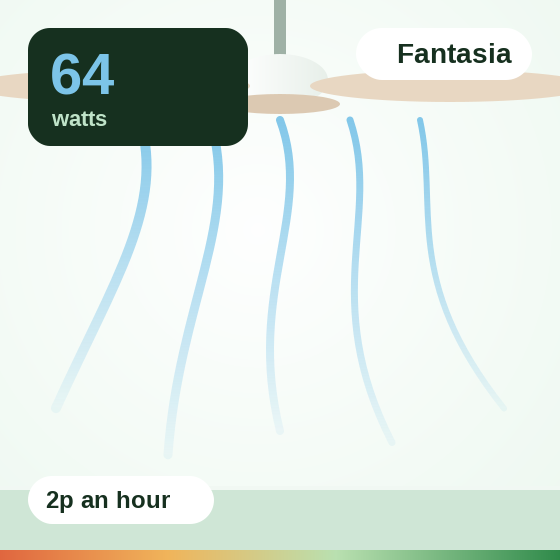
Fantasia
Classic 52" ceiling fan
64 watts · 2p an hour
£160.00 at Fantasia Ceiling Fans (maker shop), checked 14 Nov 2026
See it at Fantasia Ceiling Fans (maker shop)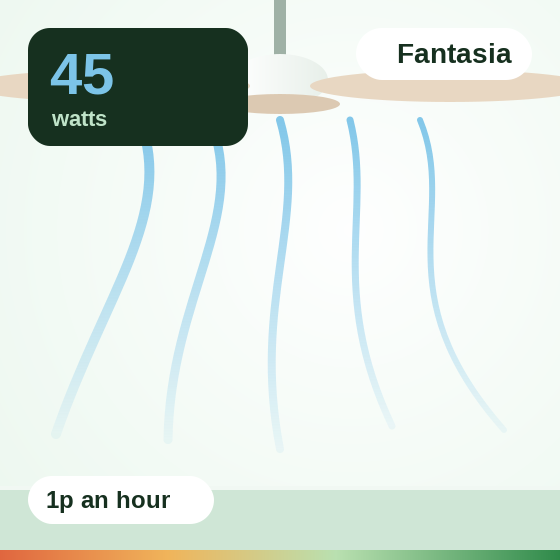
Fantasia
Capri 36" ceiling fan
45 watts · 1p an hour
£163.20 at Fantasia Ceiling Fans (maker shop), checked 14 Nov 2026
See it at Fantasia Ceiling Fans (maker shop)
Figures from the maker or retailer listing. Cost an hour is our own, at the price cap of 26.32p a kWh.